Player Animator Mod download and installation guide
Prepare the loader, choose the right branch, and install with fewer version mistakes.
Read guide →A version-aware technical resource for Player Animator Mod by KosmX: understand what the library actually does, match Fabric, Forge or NeoForge builds correctly, and diagnose animation-stack problems without guesswork.
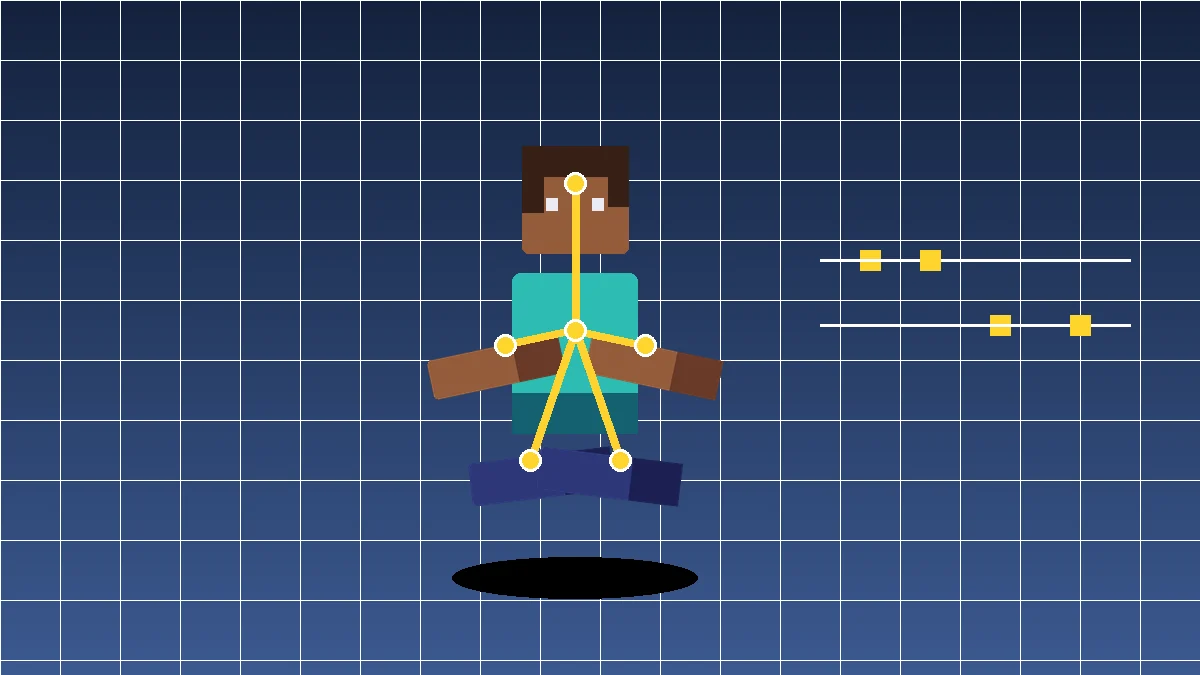
Player Animator is infrastructure. On its own it normally does not add dances, combat moves, or emotes; another mod calls the animation API and supplies the visible behavior. The library is designed to let animations coexist through a layered stack instead of every mod replacing the whole player model pipeline.
Multiple animation layers can be ordered by priority. Higher-priority layers can override lower layers while still allowing transparent or partial behavior where supported.
The upstream repository states that regular feature development has ended. Major bug fixes may still be made, while new development is directed toward the newer PAL project.
The useful part of Player Animator is the API model behind the visuals: keyframes, layers, modifiers, loader-specific builds, and predictable integration points for other mods.
Compatible mods can drive player-model transforms from keyframe data instead of relying only on vanilla limb movement.
Animation stacks let higher-priority states take control while preserving lower layers where the active animation allows it.
The API exposes modifier-oriented animation containers for effects such as fades, transitions, and state-aware animation changes.
Developer utilities can load keyframe animation data used by formats associated with Emotecraft or GeckoLib-style JSON workflows.
Published builds span Fabric, Forge, NeoForge, and Quilt across different Minecraft generations, so file labels must match your exact instance.
The project is distributed for client/server environments, but whether both sides need it depends on the mod that consumes the animation library.
Think of Player Animator as a dependency in a chain. Minecraft version, loader, library build, and the mod using that library all need to belong to the same compatible generation.
Use the full version, not just “1.20” or “1.21.” Patch versions matter because published builds are not automatically interchangeable.
Use Fabric with Fabric builds, older Forge where that release supports it, and NeoForge for newer release lines labeled accordingly.
Because the library does little visibly by itself, confirm that the mod providing emotes, combat motion, or other animation features actually targets your Player Animator generation.
Launch with the loader, Player Animator, required dependencies, and one consuming mod before adding the rest of a large modpack.
The published project history covers Java Edition builds from 1.16.x through multiple 1.21.x releases, but loader support changes by version. A search for “Player animator mod Forge” can lead to a file that is wrong for a newer NeoForge instance.
If the game launches but animations look wrong, check API generation as well as game version. Two mods can both say “1.20.1” yet still disagree on the animation-library version they expect.
Lets a compatible mod apply attack stances, body rotation, item poses, or movement states without owning the entire player renderer.
Provides a reusable animation layer for mods that trigger expressive player actions while keeping animation handling separate from the content itself.
Useful when a mod needs registered keyframe animations, state-driven layers, fades, or controlled priority between several simultaneous animation sources.
For normal gameplay, the file in the mods folder should be the loader-specific release artifact expected by your instance. Source-code ZIP files are useful for development or inspection but are not normally a drop-in replacement for a built mod JAR.
Write down Minecraft version, loader name, loader version, and the animation-using mod that requires Player Animator.
Keep one intended Player Animator build in the mods folder. Old copies with similar names can create class or dependency conflicts.
Match the file’s Minecraft and loader tags. A branch source ZIP is not the same thing as a ready-to-run Fabric, Forge, or NeoForge JAR.
Confirm the base dependency stack works before restoring shaders, resource packs, or unrelated gameplay mods that can complicate debugging.
The provided download opens the requested 1.21 branch source archive. It is useful for source inspection and development workflows; ordinary players should remember that a source ZIP is not normally the same as a loader-specific installable JAR.
Download Player Animator ModImportant: before putting anything in the mods folder, confirm that you have a built release artifact for your exact Minecraft version and loader.
Back up the whole instance before changing loader-level dependencies. Prefer project releases from the original author’s published channels, verify Minecraft and loader labels, and investigate the first meaningful crash or dependency error instead of repeatedly relaunching an incompatible stack. This site is an independent guide and is not affiliated with Player Animator Mod or third-party platforms.
The upstream repository currently marks Player Animator as no longer under regular feature development, with major bug fixes possible for existing releases. Existing builds still matter for modpacks that depend on the library, but “latest” does not automatically mean “right for your instance.”
| Check | What to verify |
|---|---|
| Minecraft | Exact game release, including patch number. |
| Loader | Fabric, Forge, NeoForge, or Quilt label on that exact file. |
| Artifact type | Built mod JAR for gameplay versus source ZIP for development/inspection. |
| Consumer | The mod using Player Animator expects the same API generation. |
| Maintenance | For new development, account for the project’s no-longer-actively-developed status. |
Look first for wrong loader artifacts, duplicate Player Animator versions, missing dependencies, or a consumer compiled for a different library generation.
Remember that Player Animator is a library. Confirm that a compatible mod is actually registering or playing an animation.
Test without other animation/render mods, then add them back one at a time. First-person, item, shader, and model changes can conflict even when every file launches successfully.
Prepare the loader, choose the right branch, and install with fewer version mistakes.
Read guide →
Understand version matching, file placement, and common Forge-side errors.
Read guide →
Build a compatible Fabric instance and verify the framework cleanly.
Read guide →It provides a player-animation framework that other Minecraft mods can use to apply custom poses and animation sequences to the player model.
No. Player Animator is primarily a library. It normally needs another compatible mod to register and play visible animations such as emotes, combat poses, or movement states.
Published builds span multiple Java Edition generations from 1.16.x through several 1.21.x releases. Always match the exact game version and loader shown on the release file.
Yes on supported release lines, especially older Minecraft generations such as 1.20.1. Newer 1.21 lines also use NeoForge, so read the exact loader tag instead of assuming a Forge file is correct.
Yes. Fabric is a major supported loader across many Player Animator releases. Use the artifact built for your exact Minecraft version and keep the consuming mod on a compatible API generation.
You can use it on 1.20.1 when you select a release made for Minecraft 1.20.1 and the correct mod loader.
Yes for supported 1.21.x releases, but the patch version and loader matter. The 1.21 release family includes multiple distinct builds rather than one universal file.
The project supports client/server environments, but whether both sides need the library depends on the mod consuming it. Follow the requirements of that mod or modpack.
The library can participate in first-person and item-animation behavior used by compatible mods. Exact results depend on the consuming mod and release; first-person fixes have appeared in later 1.21 builds.
Place the correct mod file in the Minecraft instance’s mods folder after installing the required loader for that instance.
The most common causes are a wrong Minecraft version, incompatible loader, missing dependency, or another mod conflict. Check the crash report and version labels first.
Player Animator can be installed correctly and still show nothing because it is a library. Verify that a compatible animation-using mod is present and successfully registering its animations.
No. Use the build made for the loader in your Minecraft instance. A Fabric build should not be placed in a Forge instance and vice versa.
Back up the instance, remove the old mod file, add the new compatible file, and launch once with the same Minecraft version and loader unless the release notes require changes.
The library itself is designed to be lightweight, but total cost depends on the consuming mods, animation complexity, active layers, rendering changes, and the rest of the modpack.
Temporarily test Player Animator Mod with only its required dependencies and one animation-using mod, then reintroduce other mods in small groups.
Check whether another mod is also changing player models, first-person arms, items, or animation layers. Then verify that the consuming mod targets the same Player Animator generation.
No. Keep only the single compatible version needed by the active instance unless a specific modpack explicitly documents otherwise.
No. This website is an independent guide. For safety, verify release files against the original project’s published channels and avoid assuming third-party mirrors contain the same artifact.
Create a backup of your Minecraft instance and saves, note the current loader and dependency versions, and change one component at a time so problems are easier to isolate.